
How Paperless Works on Real Construction Sites
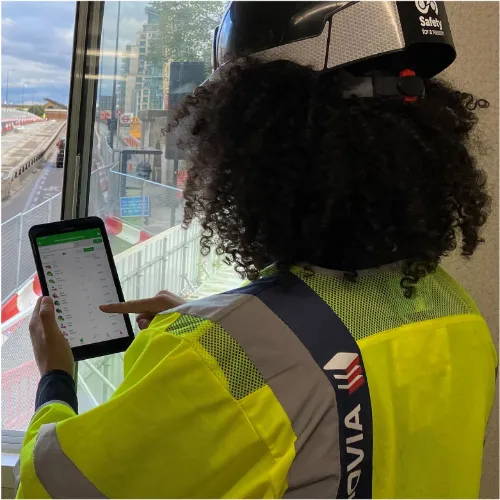
From worker enrolment to daily briefings, forms, photos, timekeeping and reporting, Paperless gives your site and office teams one connected way to manage records.
Paperless is built around the way construction teams actually work. Supervisors capture records on site, workers complete briefings and forms digitally, and managers get better visibility without chasing paperwork.
✅ Set up projects and users
✅ Capture site records digitally
✅ Track workforce and compliance
✅ View records and reports in one place
The problem is not one form. It is the whole record trail.
Construction records are often spread across paper folders, spreadsheets, WhatsApp photos, emails and disconnected apps. That makes it harder to see what has happened on site, prove who was briefed, track attendance, manage forms and prepare for audits.
Paperless connects the daily site record trail so information is captured once, stored properly and easier to report on.
✅ Workers need onboarding
✅ Sites need daily records
✅ Supervisors need simple tools
✅ Managers need live visibility
✅ Audits need clear evidence
Paperless helps construction teams capture the day-to-day evidence they need without chasing paperwork, spreadsheets or disconnected apps.
A simple workflow from setup to reporting
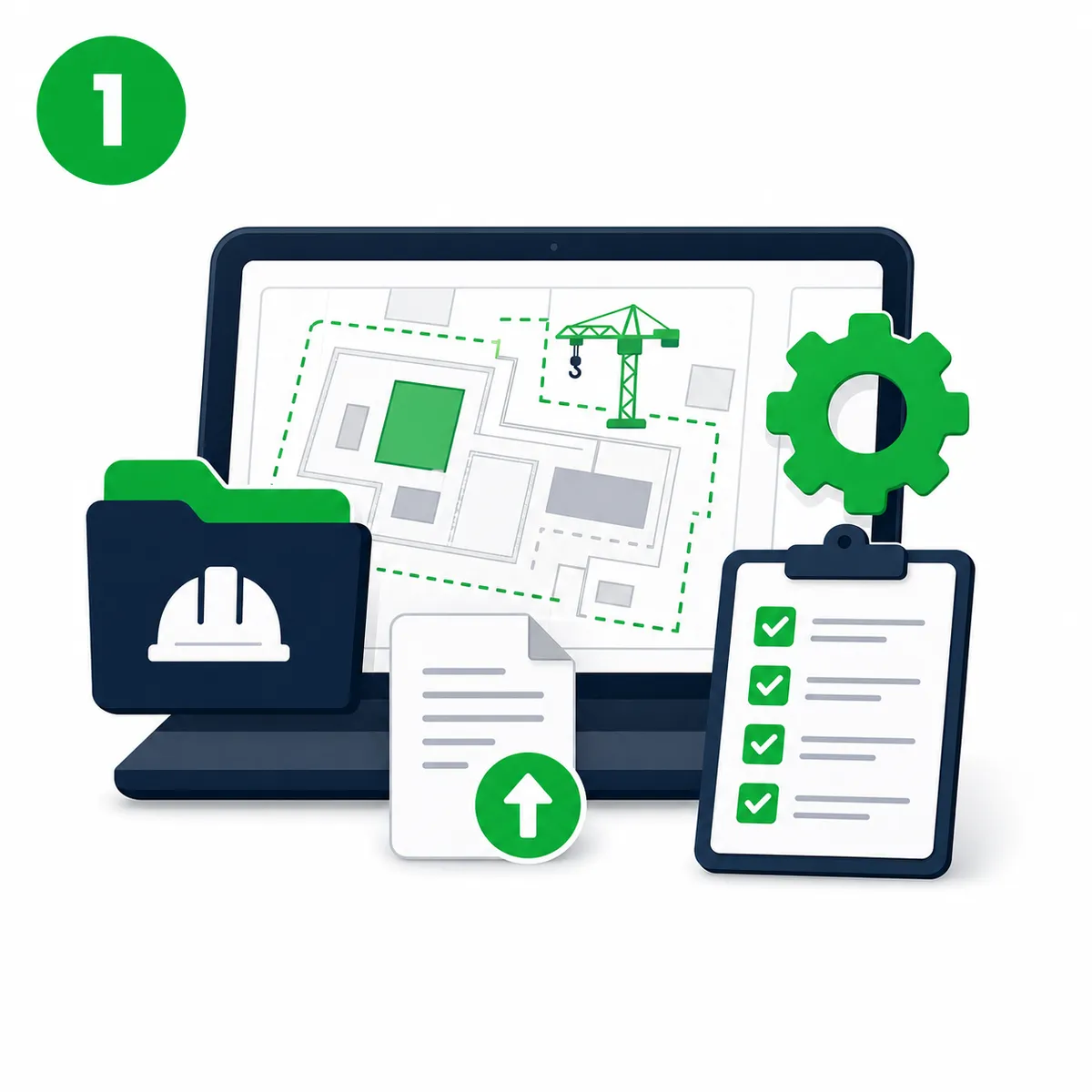
1. Set up your project
Create your project, add key details, upload documents and configure the records your team needs to capture.

2. Add workers and teams
Pre-enrol workers, manage competencies, assign project access and keep workforce records connected to each site.
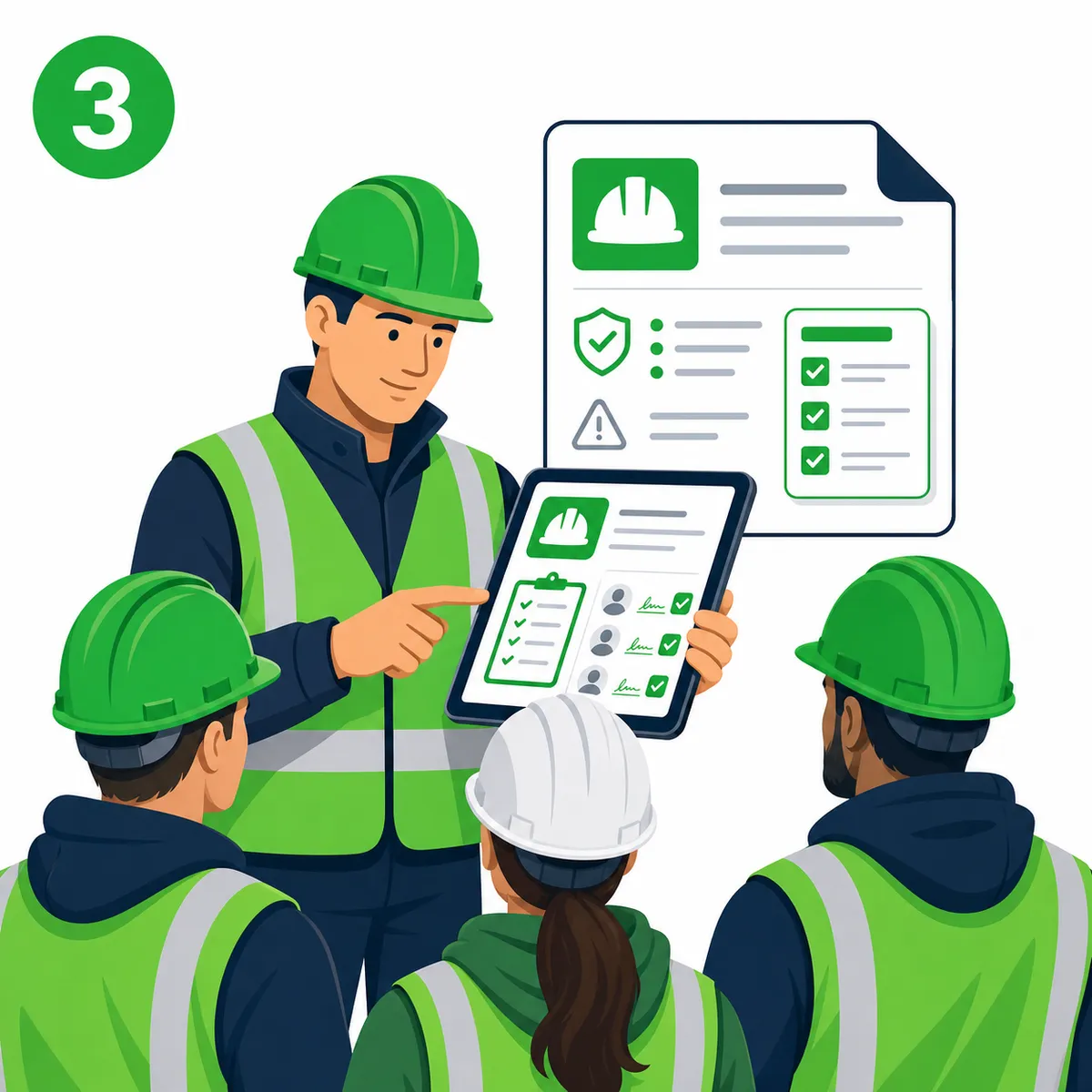
3. Issue inductions and briefings
Send site inductions, RAMS briefings, toolbox talks, COSHH briefings and daily updates with clear digital sign-off records.
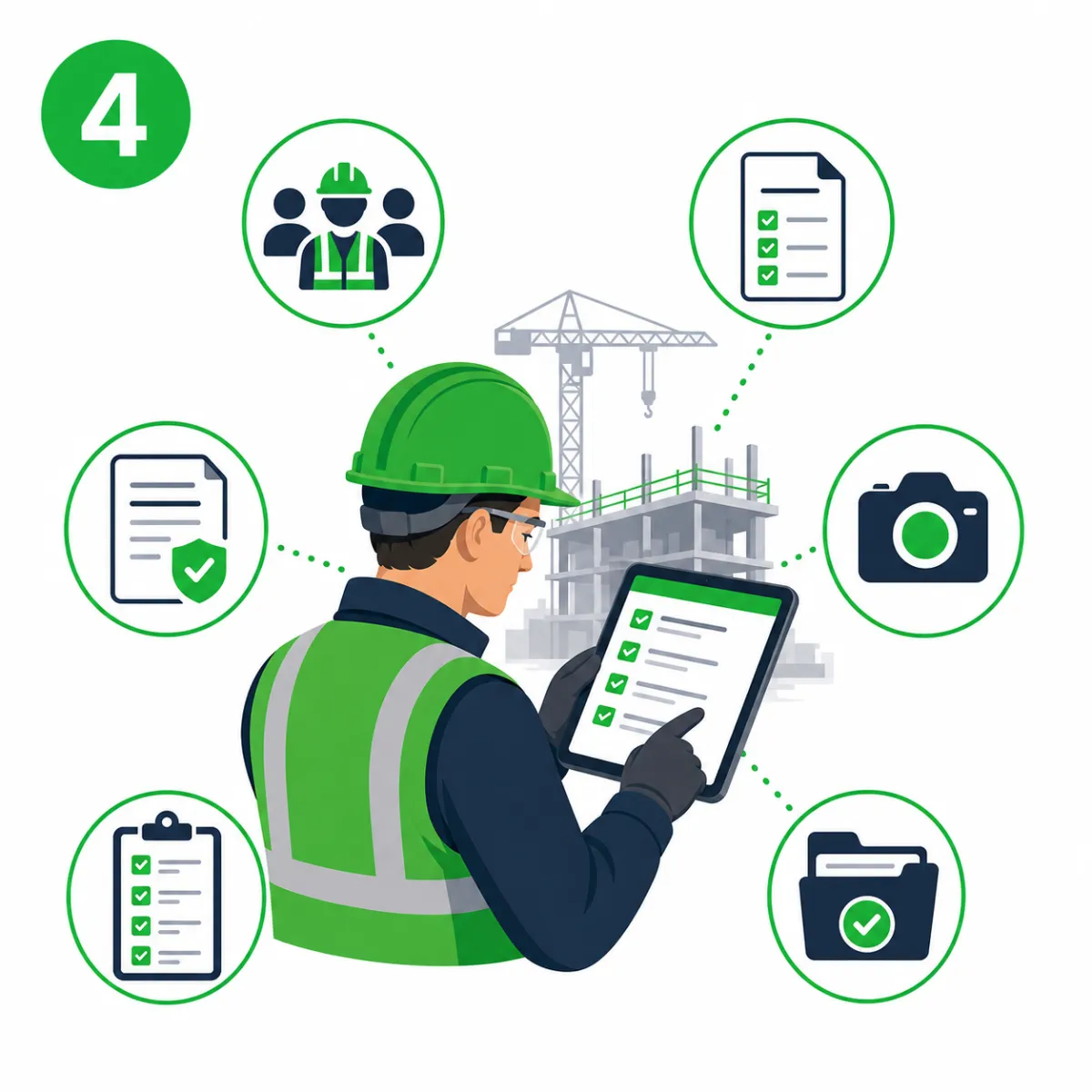
4. Capture daily site activity
Supervisors can record attendance, complete forms, add photos, manage permits, run checklists and capture key site evidence.
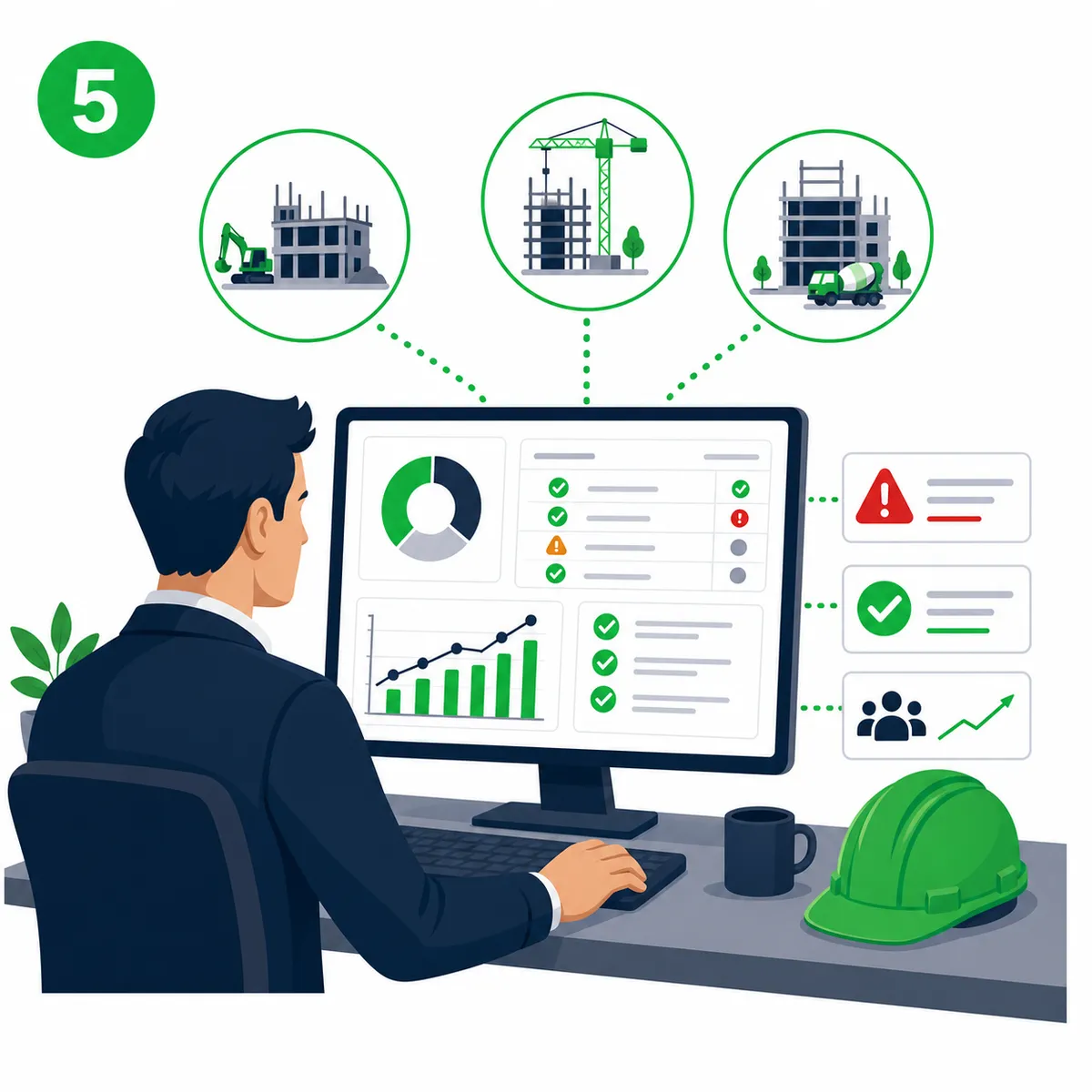
5. Monitor compliance and visibility
Office teams can view records, track progress, check missing information and support site teams without waiting for paperwork.
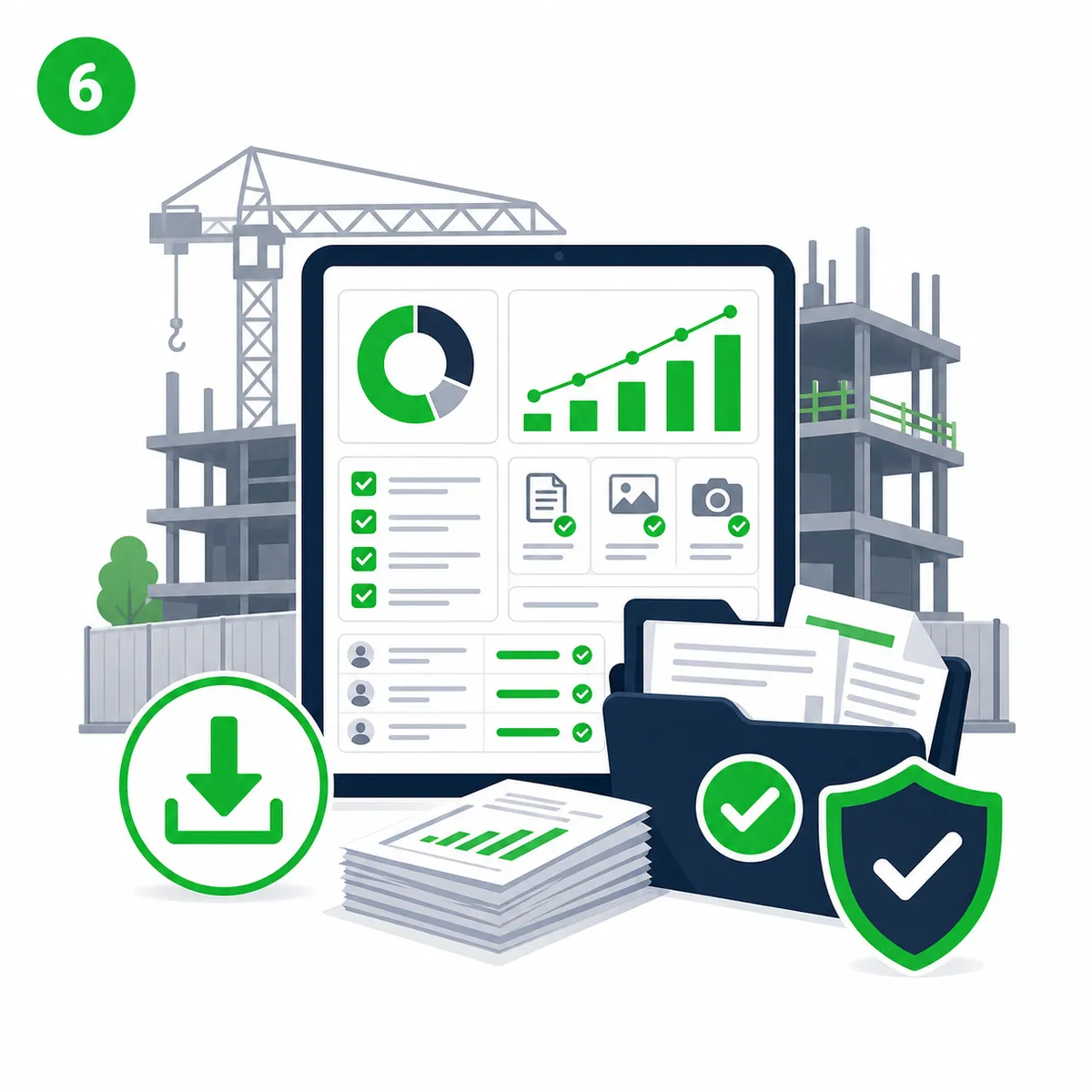
6. Report, export and prove
Use dashboards, exports and reporting tools to find the records you need for clients, audits, claims, handover or internal reviews.
What Paperless helps you manage
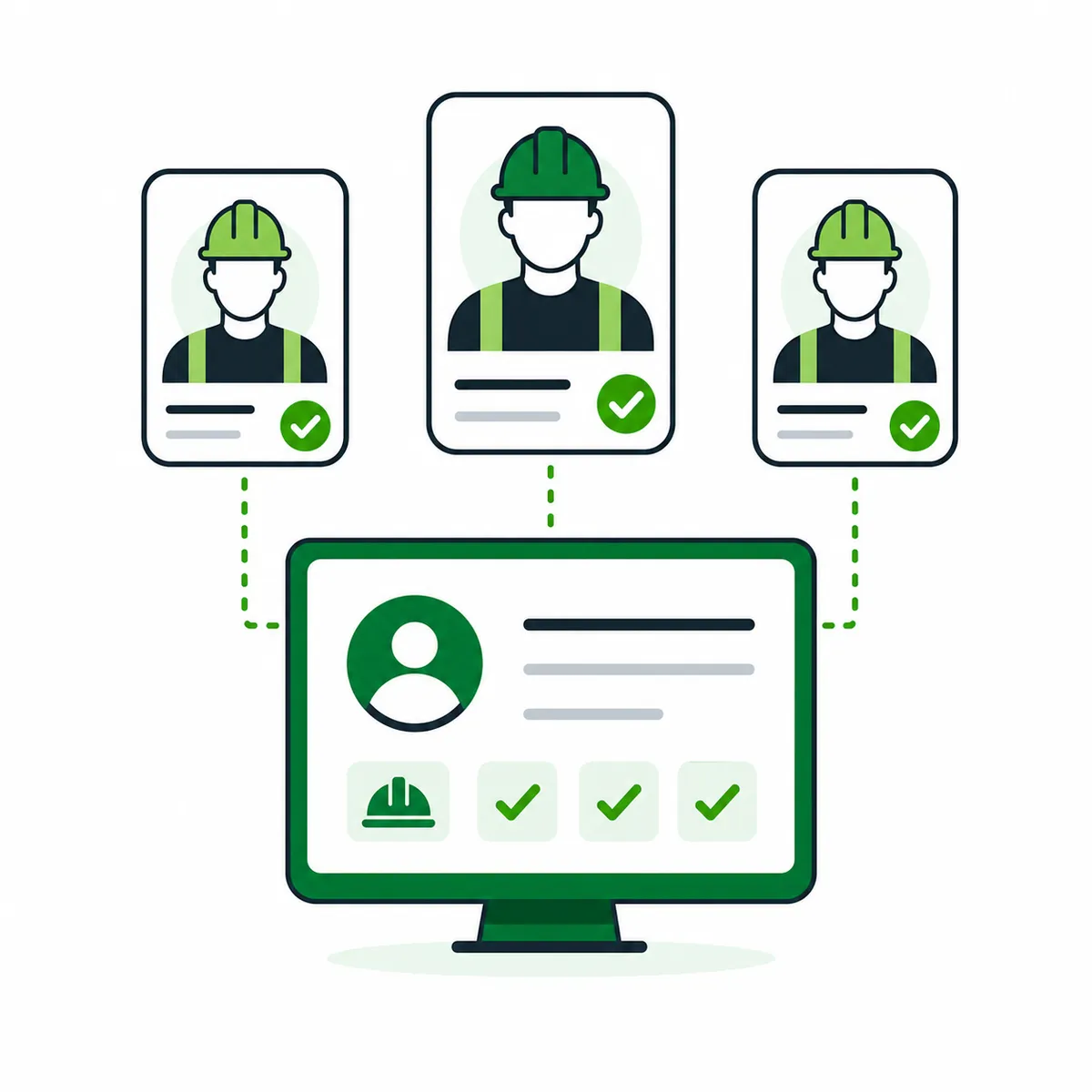
Workforce Management
Manage worker records, competencies, project access and workforce visibility.
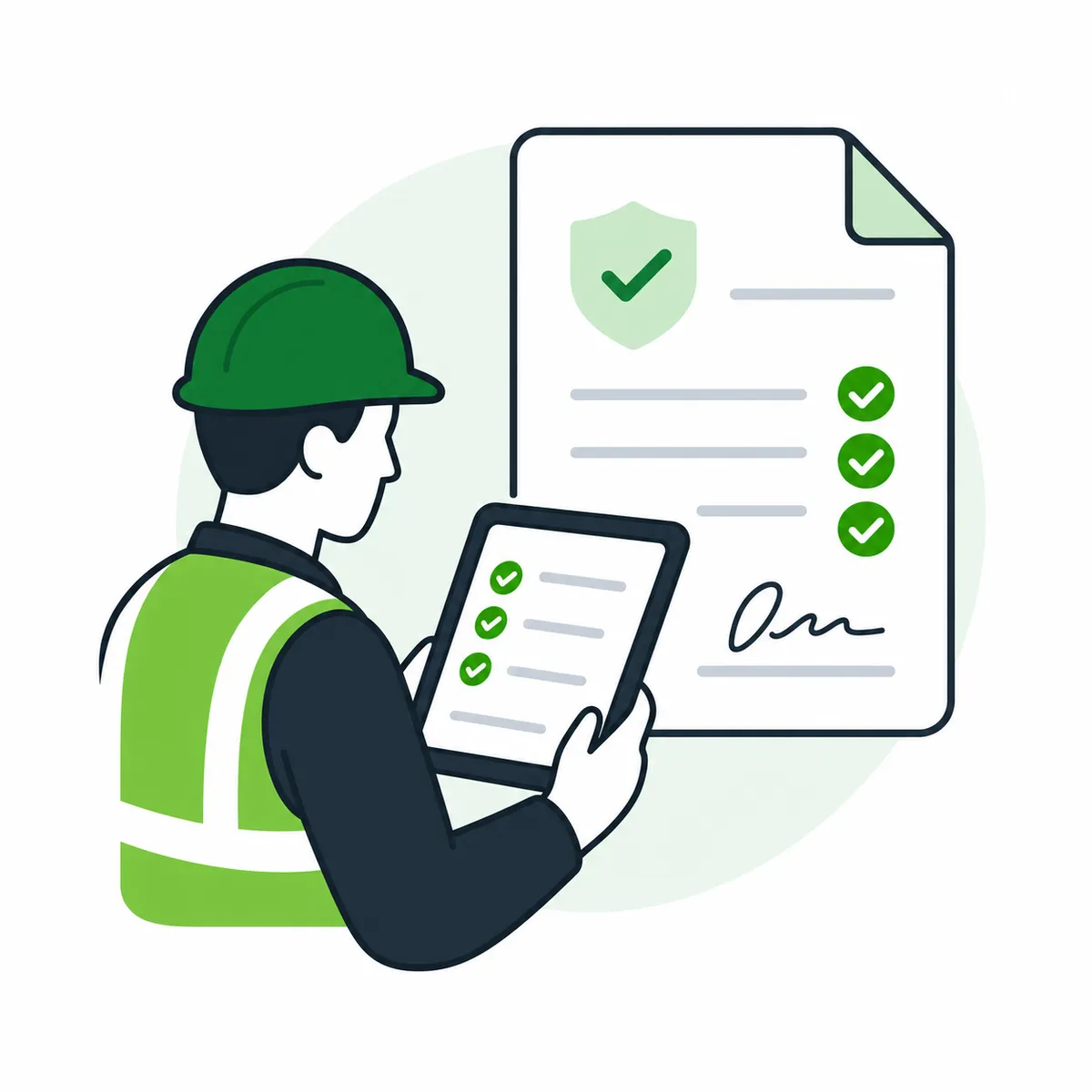
Inductions and Briefings
Digitise inductions, RAMS, toolbox talks, COSHH and daily safety briefings.
Forms, Permits and Checklists
Capture permits, inspections, checklists, site diaries and operational forms.
Timekeeping and Attendance
Track who is on site, support roll-call and reduce manual timesheet admin.
Photos and Evidence
Capture site photos and connect them to project records and evidence.
Documents and Reporting
Store records, control access and view project information through reports and dashboards.
Want to see the workflow in action?
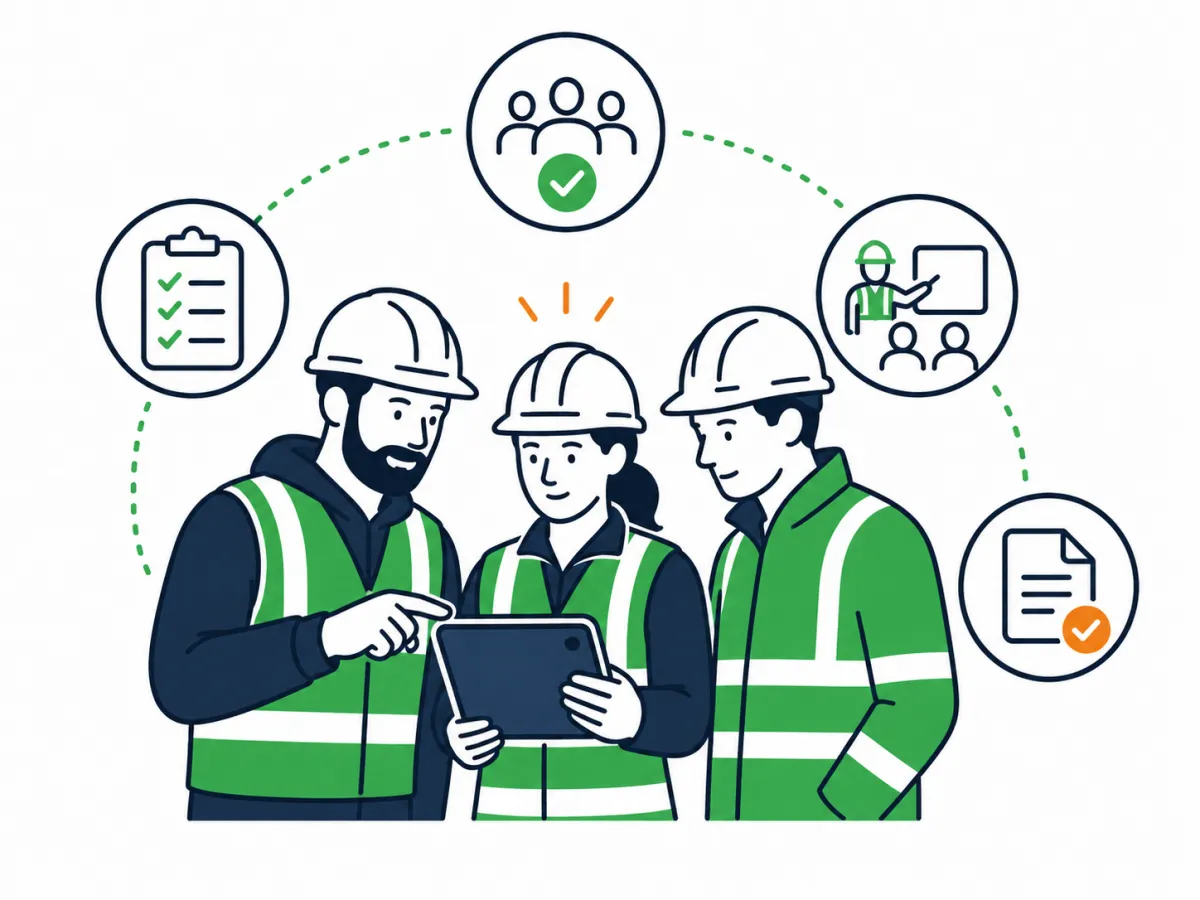
Book a short demo and we will walk through the full Paperless workflow, from worker setup and briefings through to site records, reporting and audit evidence.
Why the workflow works
✅ One place for site and office records
✅ Less chasing for paperwork and photos
✅ Clear proof of briefings and attendance
✅ Better visibility across live projects
✅ Faster access to audit-ready evidence
✅ Simple tools built around site teams
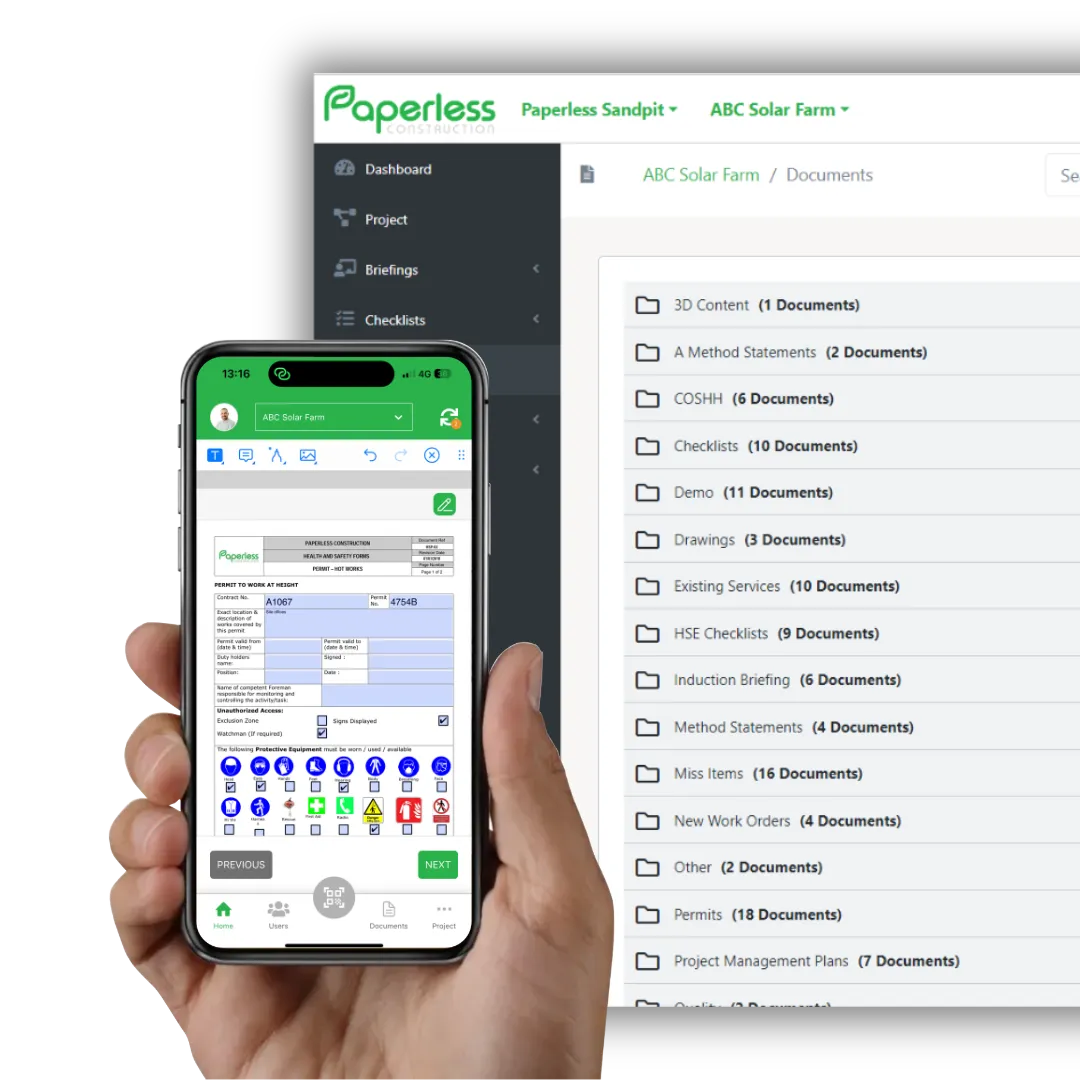
Built for contractors who need cleaner site records

Site Managers
Capture daily records without relying on paper folders.
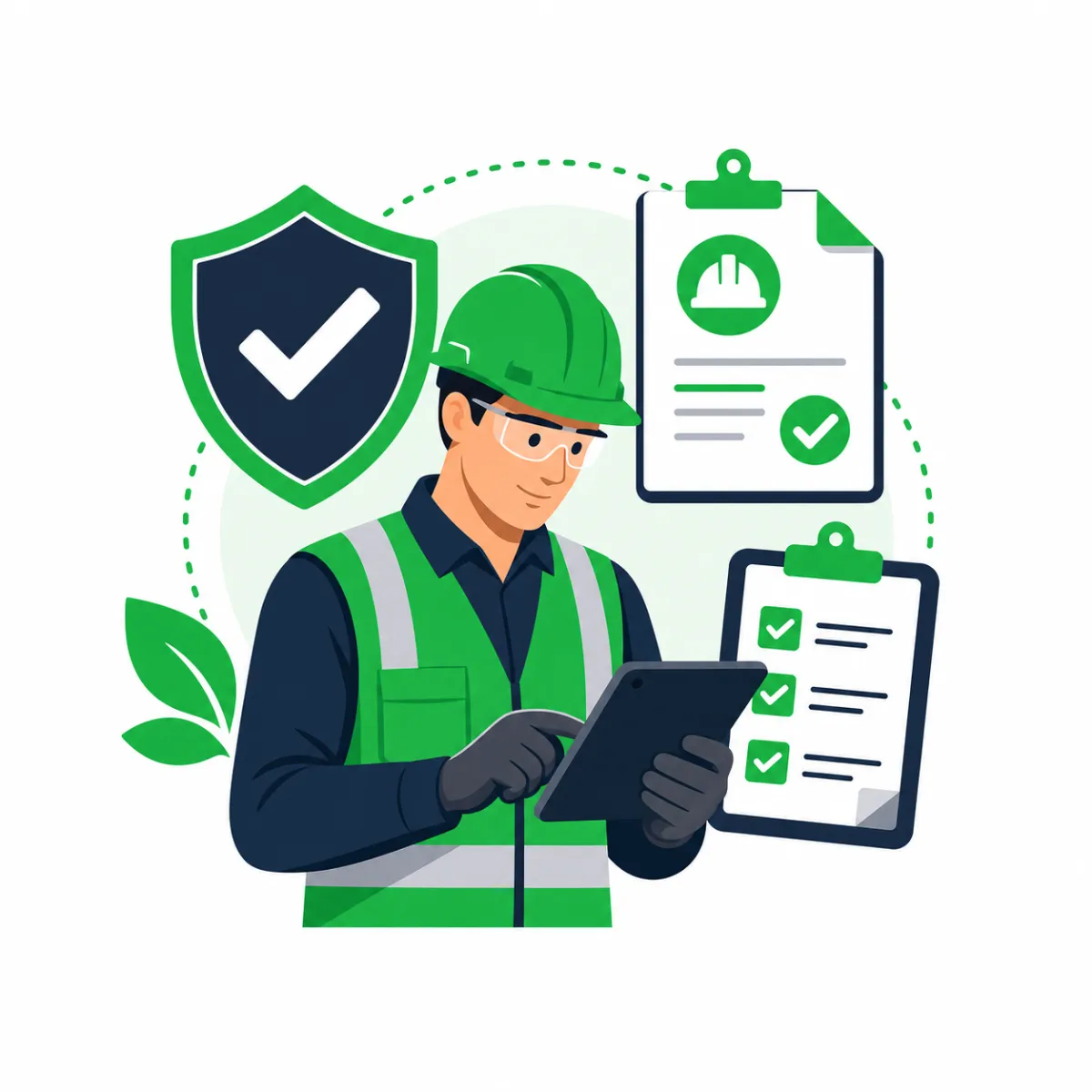
Supervisors and Foremen
Complete briefings, forms, attendance and photos from site.
HSEQ Teams
Track safety records, briefings, permits and compliance evidence.
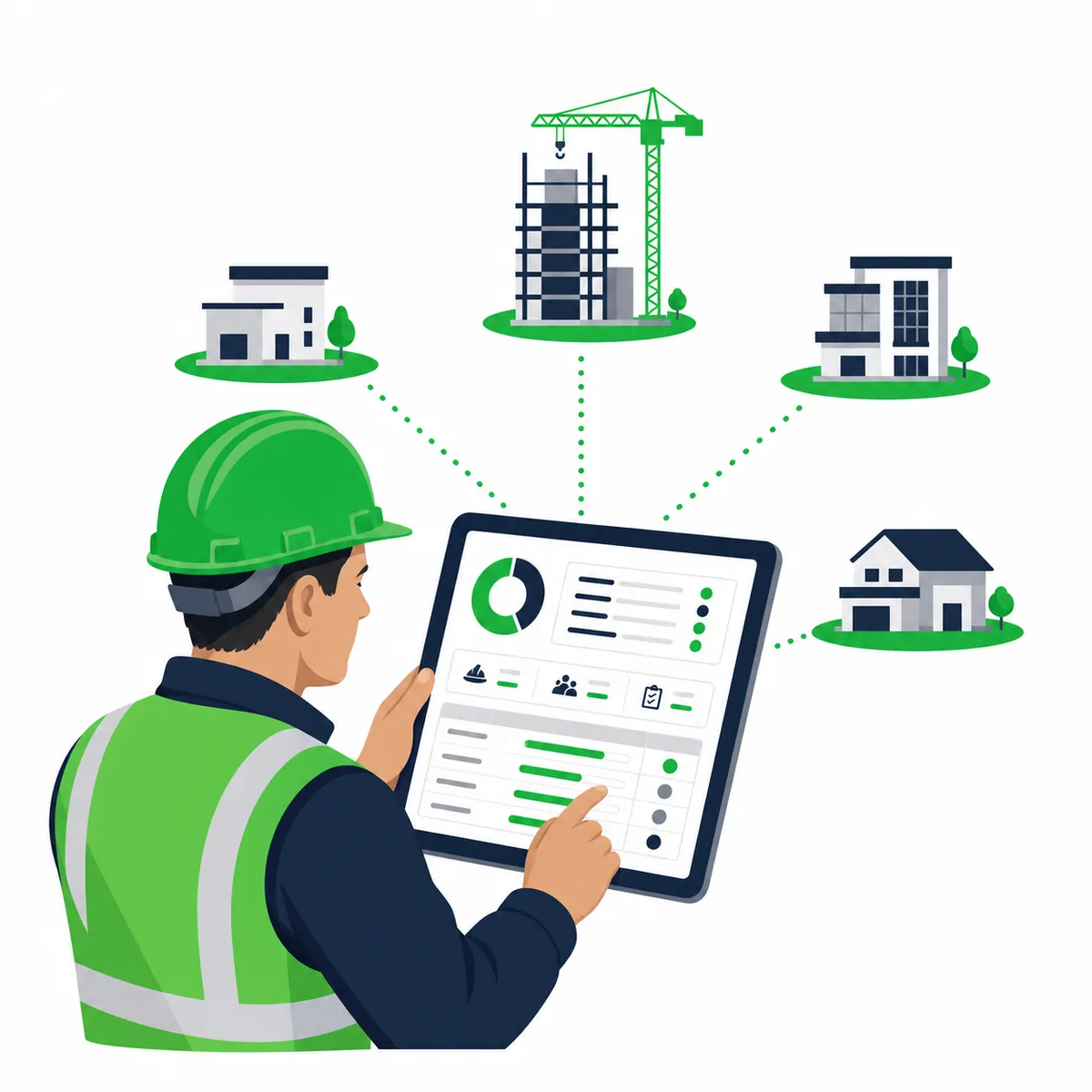
Project Managers
See what has happened across projects without chasing updates.

Business Owners
Reduce admin risk and improve visibility across teams and sites.
More than a digital filing cabinet
See how Paperless can support your site teams, safety records and workforce management in one connected platform.
| Old Way | Paperless Way |
|---|---|
| Paper inductions | Digital onboarding and records |
| RAMS in folders | Briefings with sign-offs |
| Photos in WhatsApp | Photos linked to projects |
| Attendance sheets | Digital timekeeping |
| Forms in spreadsheets | Structured site records |
| Manual audit prep | Searchable evidence trail |
Trusted across construction sectors
Paperless supports contractors working across civils, rail, fit-out, utilities, renewables, maintenance and specialist trades.
3,200+
UK projects onboarded
7M+
digital briefings completed
92%
of teams report smoother audits






Ready to see how Paperless fits your site workflow?
Choose the next step that suits you. Watch a quick overview, download the brochure, or book a live demo to see Paperless against your own site processes.
FAQ
How quickly can a team start using Paperless?
Most teams can start with core workflows such as briefings, forms, inductions or timekeeping in days, then expand as more processes are configured.
Do workers need an account?
That depends on the workflow. Paperless supports different ways to capture worker records, briefings and attendance depending on how your sites operate.
Can supervisors use it on site?
Yes. Paperless is designed around mobile and site-based workflows, including briefings, attendance, forms, photos and worker records.
Can managers see records across projects?
Yes. Paperless supports project visibility and reporting so office teams can access records without waiting for paper returns.
Can we use it for audits?
Yes. Paperless helps keep briefings, forms, photos, attendance, documents and other records easier to find and evidence.