
Calculate Your Paperless Cost in Under 60 Seconds
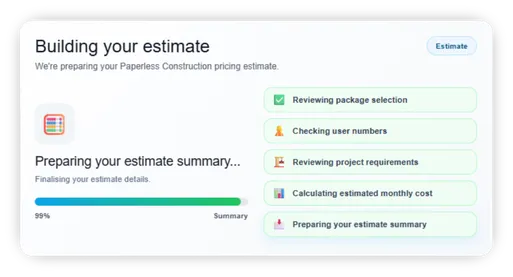
Get an instant estimate based on your team size, active projects and the Paperless features you need.
Paperless pricing is built around how your construction business works, so you can see a realistic monthly range before booking a demo or starting a trial.
✅ Estimate pricing by users and project needs
✅ Compare Starter, Core and Pro options
✅ See which package fits your workflows
✅ Get a clear estimate before speaking to sales
Why Use the Pricing Calculator?
Get a clearer estimate before booking a demo
Construction software pricing can be difficult to compare. Some platforms charge by user, some by project, some by feature, and some only explain pricing after a sales call.
The Paperless pricing calculator gives you a quick way to estimate your likely monthly cost based on your own team size, project count and usage needs.
You can use it to:
✅ Estimate your likely monthly licence cost
✅ Compare Starter, Core and Pro package options
✅ Understand which features affect pricing
✅ Plan budgets before speaking to the team
✅ Avoid overbuying software you do not need
✅ Decide whether Paperless is the right fit
What the Calculator Helps You Understand
Build an estimate around your actual site workflows
Team Size
Estimate pricing based on the number of people using Paperless across site and office teams.
Project Count
Understand how your active projects may affect setup, usage and package suitability.
Feature Requirements
Select the workflows you need, such as briefings, timekeeping, inductions, forms, permits, photos and reporting.
Package Fit
See whether Starter, Core or Pro is likely to be the best fit for your team.
Budget Planning
Get a clear estimate you can use before speaking with your team or booking a demo.
Next Step Guidance
Choose whether to book a demo, start a trial or download the brochure after receiving your estimate.
What Can Affect Your Price?
Pricing depends on how your team uses Paperless
Your estimate may vary depending on:
✅ Number of active users
✅ Number of licensed users
✅ Number of active projects
✅ Required features and modules
✅ Level of onboarding and configuration
✅ Reporting, integrations or API requirements
✅ Whether you need a monthly, annual or project-based agreement
The calculator gives you a practical estimate, not a final contract quote. Final pricing can be confirmed after reviewing your requirements.
Plans at a Glance
Choose the right level for your site records
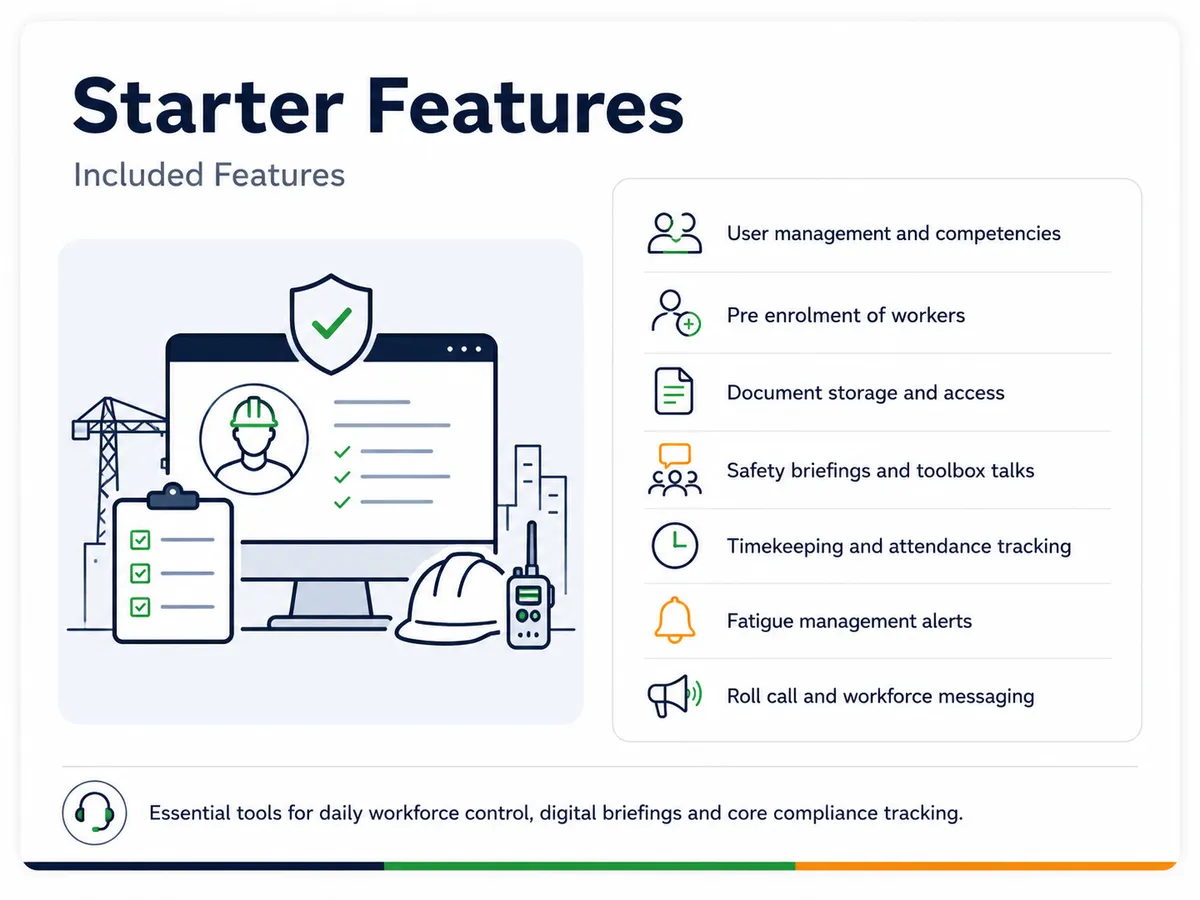
Best for teams that need essential workforce management, digital briefings, document access, timekeeping, fatigue management, roll-call and messaging.
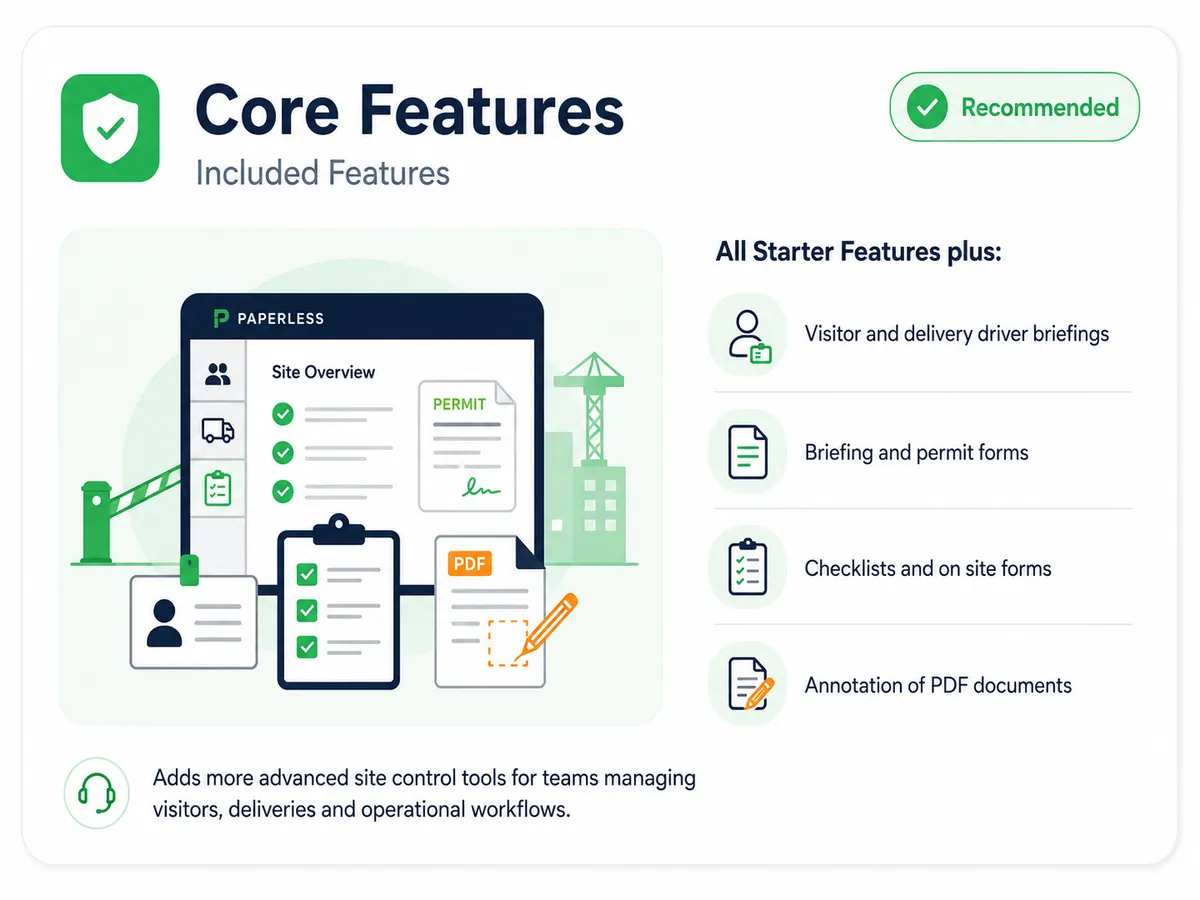
Best for teams that need Starter features plus visitor briefings, permit briefings, checklists, forms and PDF annotation.
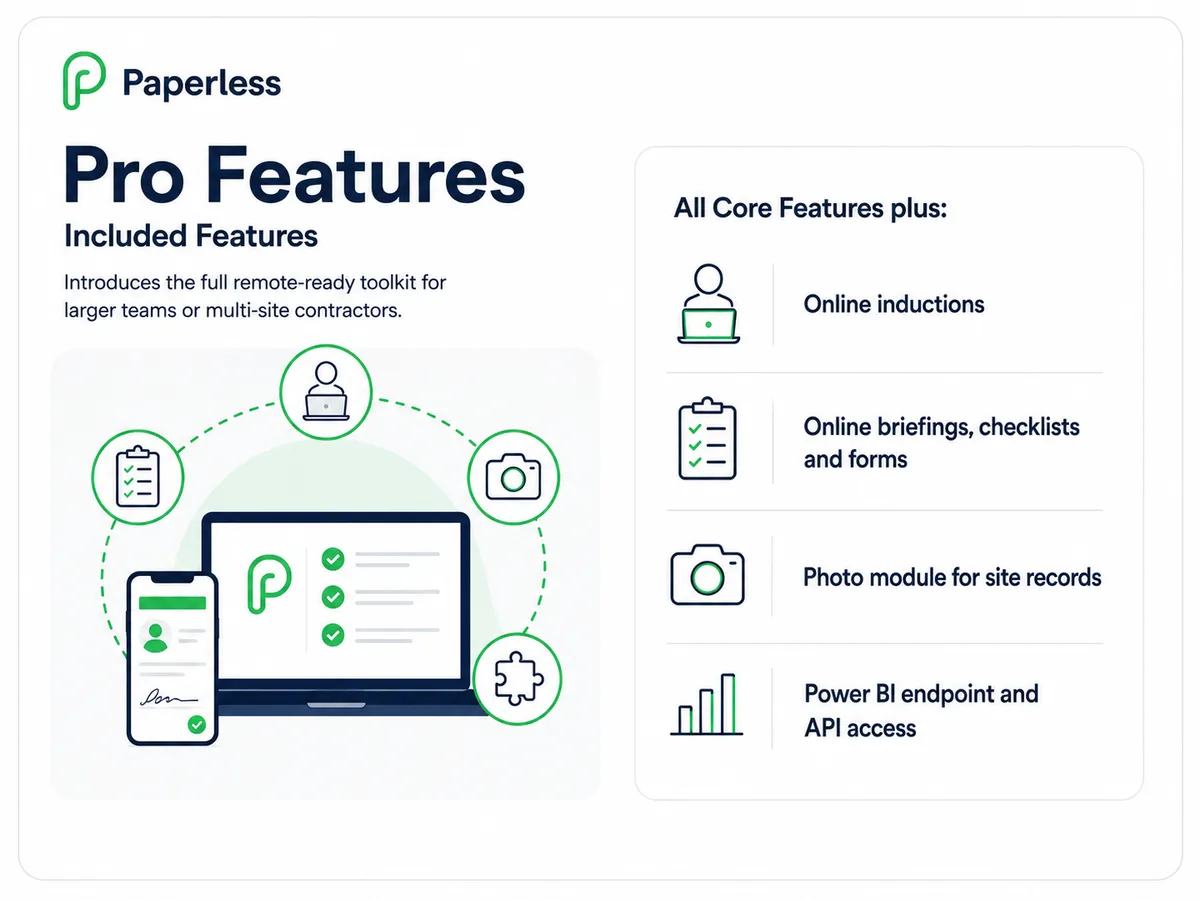
Best for teams that need the full toolkit, including online inductions, online briefings and forms, photo records, Power BI endpoint and API options.
Why Contractors Use Paperless
Replace scattered tools with one connected platform
Construction teams often use separate systems for briefings, forms, attendance, documents, photos and reporting.
That creates duplicated admin, unclear records and extra work when managers need evidence for audits, client reviews or
project reporting.
Paperless brings key site workflows into one platform, helping teams reduce paper, improve visibility and keep records easier to find.
Who It Is For
Built for teams planning software, compliance and site admin budgets
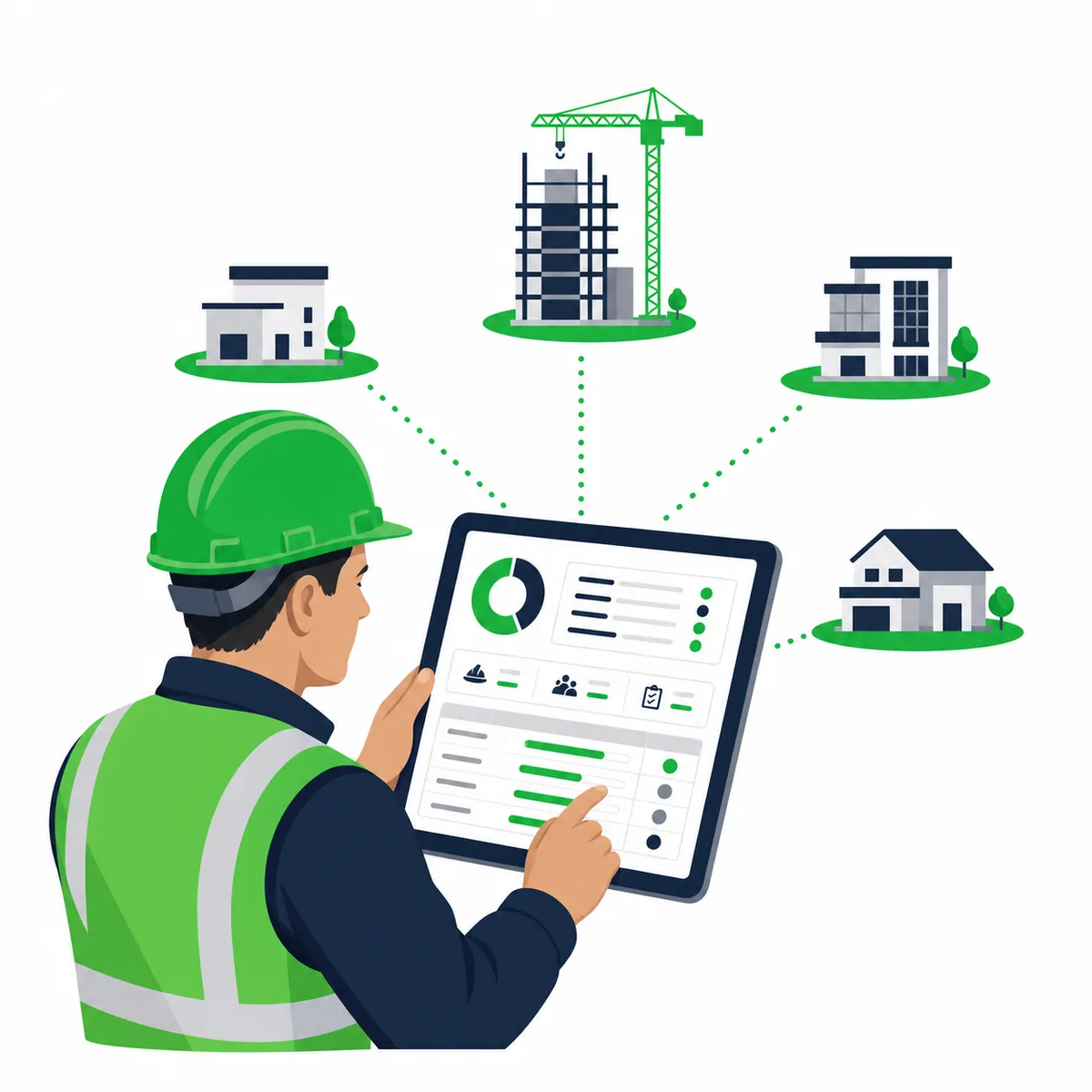
Project Managers
Check which features are needed across projects and teams.
Site Managers
Understand the tools available for supervisors and site teams.
HSEQ Teams
Plan for RAMS, briefings, permits, forms and compliance records.

Finance and Commercial Teams
Estimate software spend and compare package options.

Business Owners
Understand likely monthly costs before committing to a demo or trial.
Trusted across construction sectors
Paperless supports contractors working across civils, rail, fit-out, utilities, renewables, maintenance and specialist trades.
3,200+
UK projects onboarded
7M+
digital briefings completed
97%
of teams report smoother audits





Ready to estimate your Paperless cost?
Answer a few quick questions and get a clearer idea of the package and pricing range that may suit your team.
No obligation. Your estimate is based on the details you provide and can be reviewed with the Paperless team if needed.