
Digital Safety Briefings, RAMS and
Toolbox Talks
Deliver consistent site briefings, capture digital sign-offs and keep audit-ready evidence connected to every project.
Paperless helps UK construction teams issue RAMS, toolbox talks, COSHH briefings, daily activity briefings and safety updates without relying on paper attendance sheets or scattered folders.
Supervisors can deliver briefings from site, record attendance and capture acknowledgements. Office teams can monitor completion and retrieve the evidence when it is needed.
✅ Built for UK construction teams
✅ Digital attendance and sign-off records
✅ Link briefings to supporting documents
✅ Retrieve records by project, date or worker
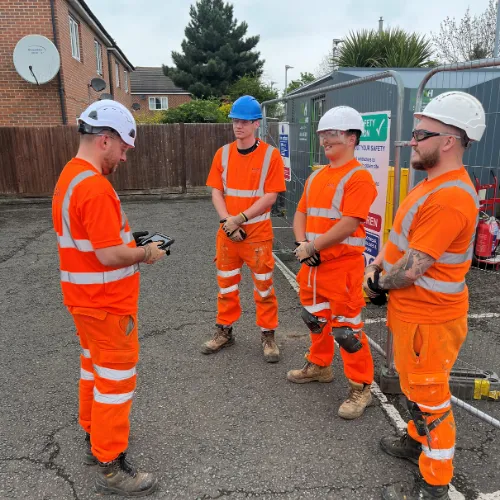
Stop chasing paper briefing records
Paper briefings are difficult to control across busy projects. Attendance sheets get misplaced, signatures are difficult to verify and teams may continue using an outdated document.
When an audit, incident or client request occurs, managers can spend hours trying to prove:
✅ Which document was briefed
✅ Who attended the briefing
✅ When the briefing took place
✅ Whether every worker acknowledged it
✅ Which version of the RAMS was used
✅ Whether missing workers were briefed later
Paperless keeps the document, briefing record, attendees and supporting evidence together.
One system for every construction safety briefing
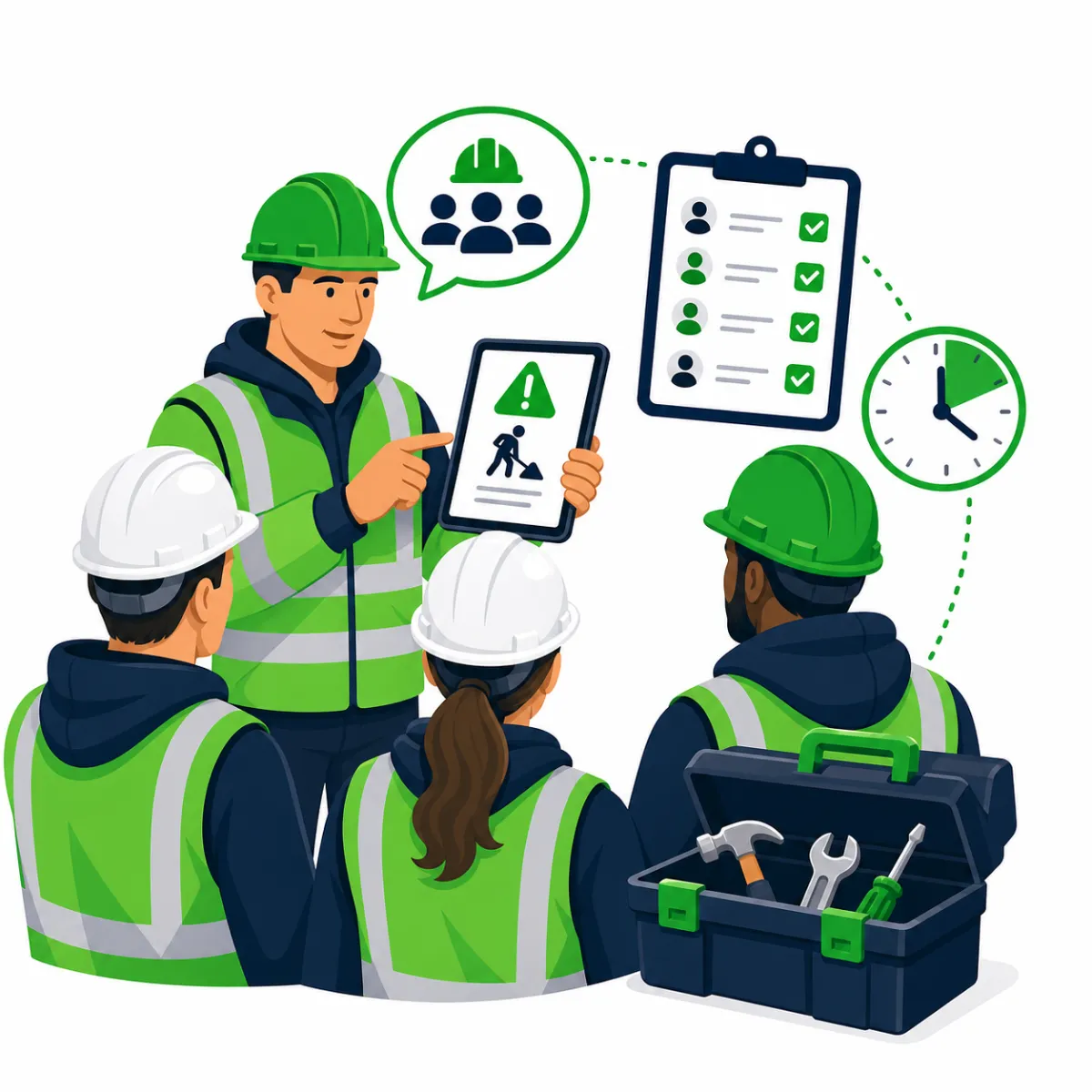
RAMS Briefings
Issue risk assessments and method statements to the relevant project teams and retain acknowledgement records.
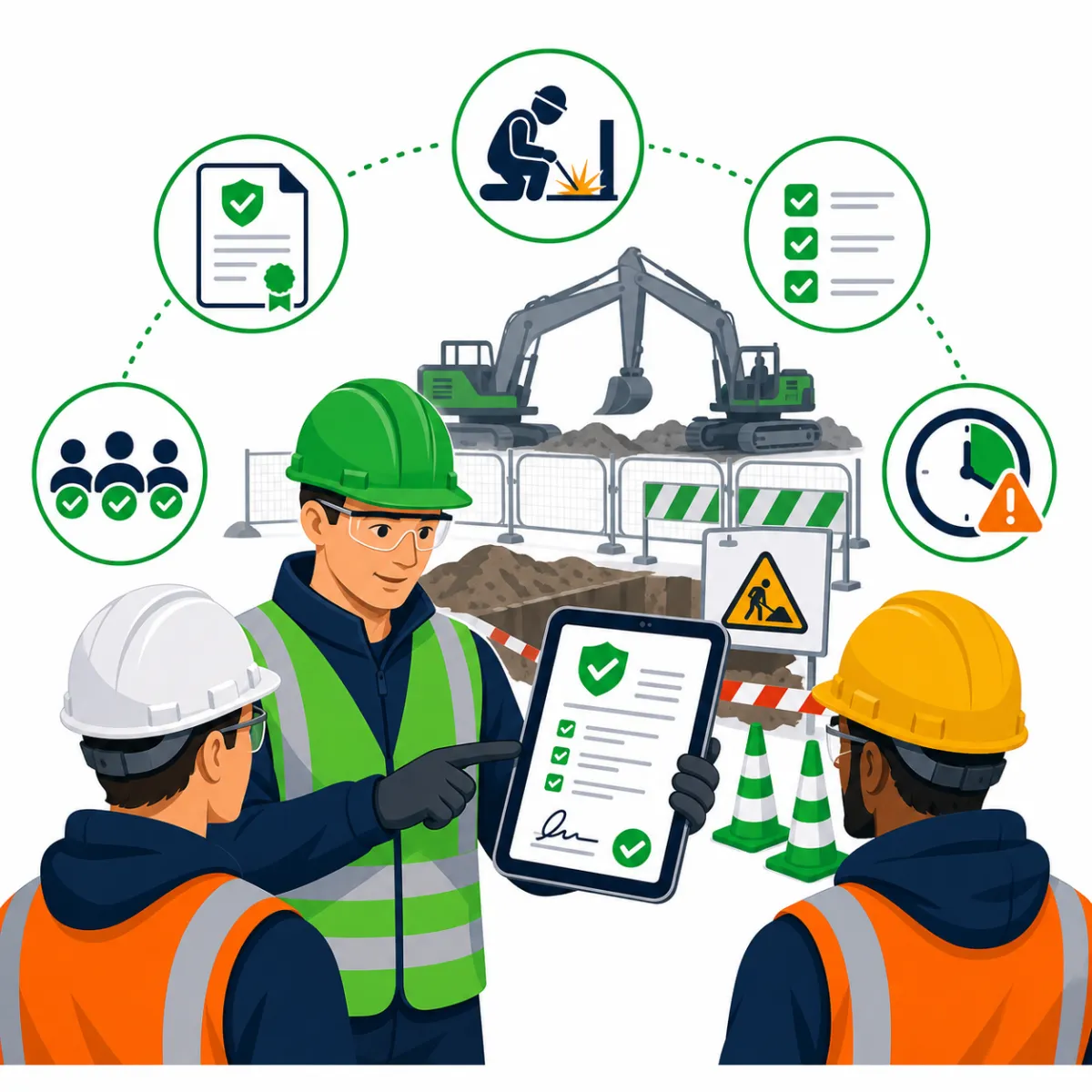
Toolbox Talks
Deliver consistent toolbox talks and record who attended from site.
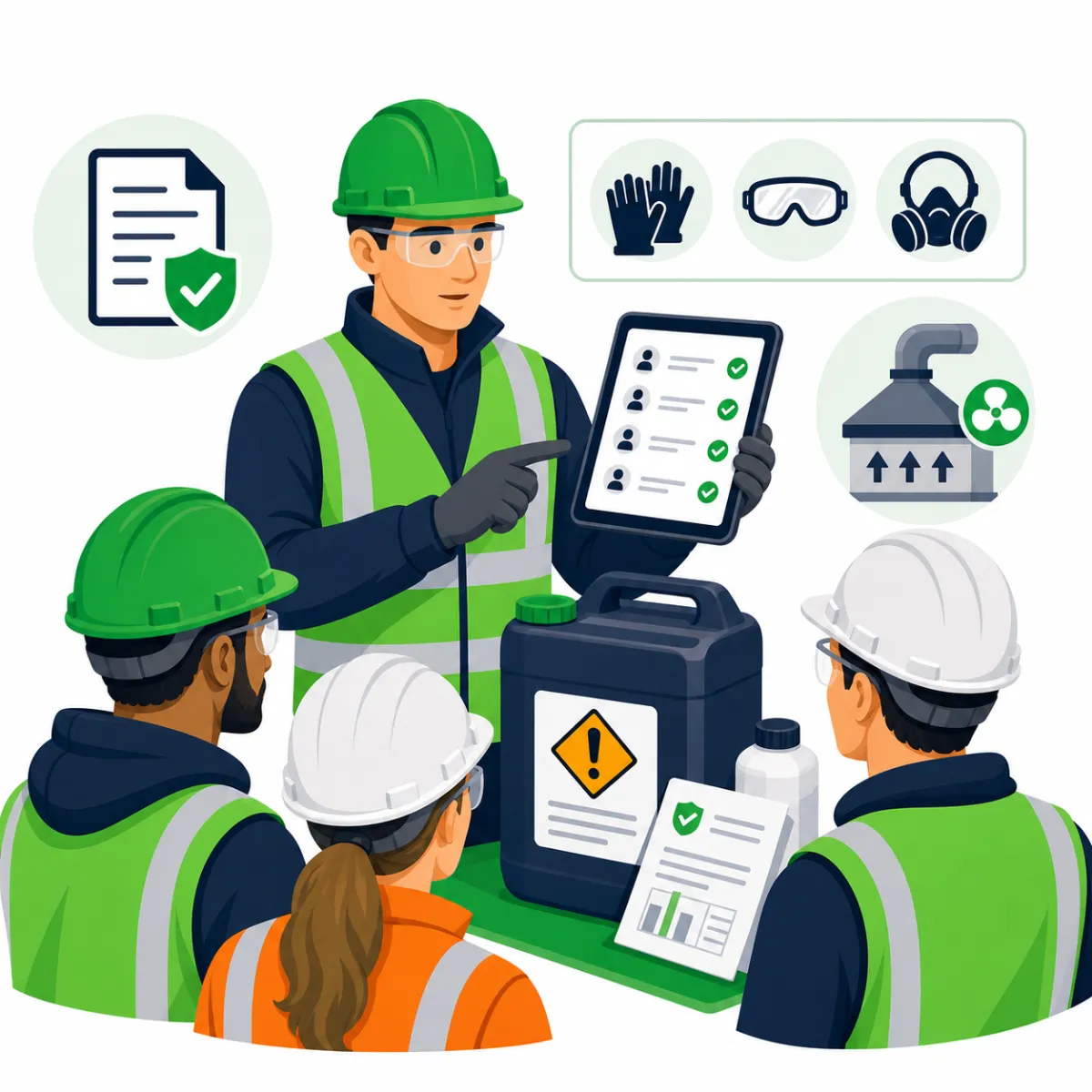
COSHH Briefings
Connect briefings to substance information, safety data and required controls.

Daily Activity Briefings
Communicate changing tasks, site conditions, interfaces and daily safety information.
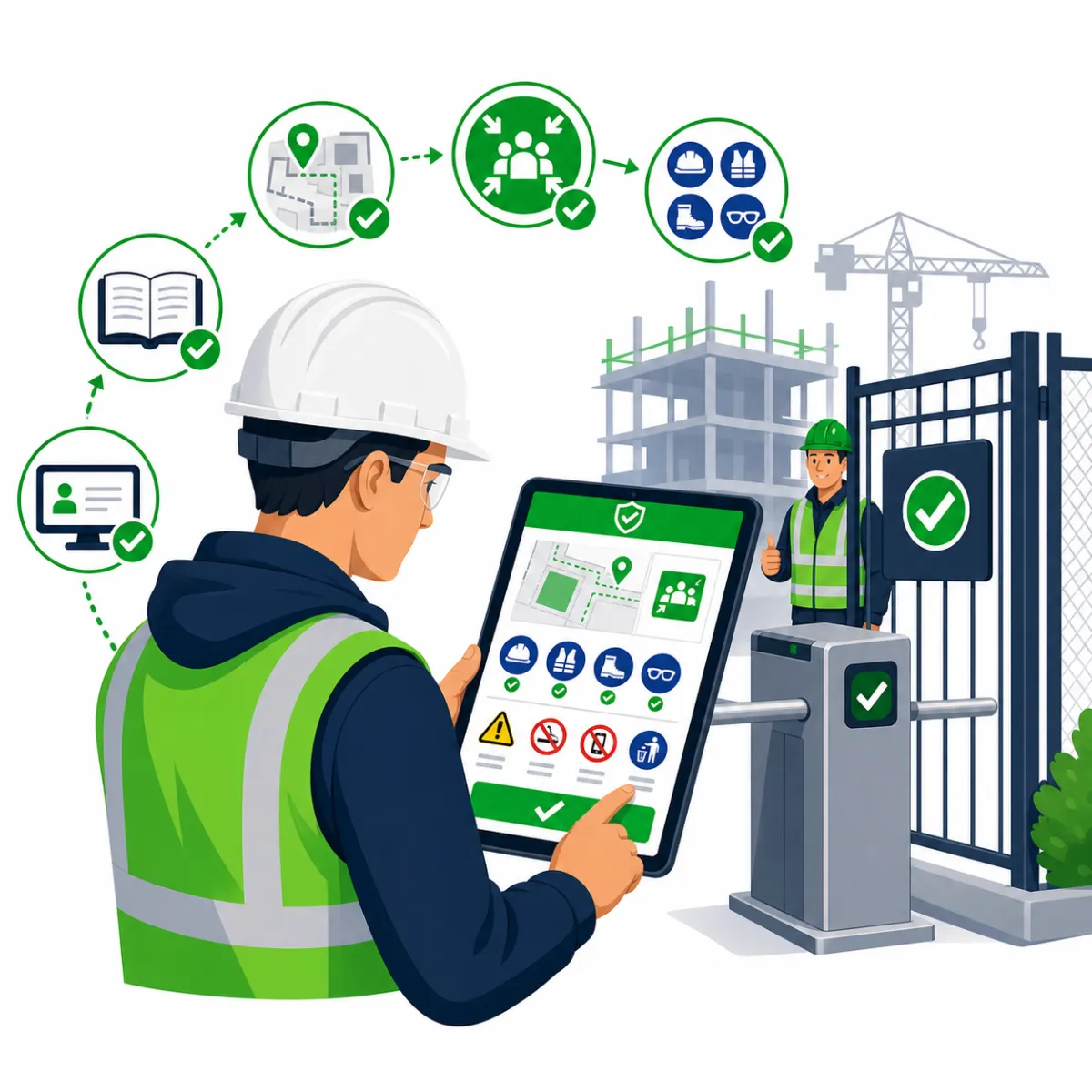
Site Inductions
Give workers the information they need before accessing a project.
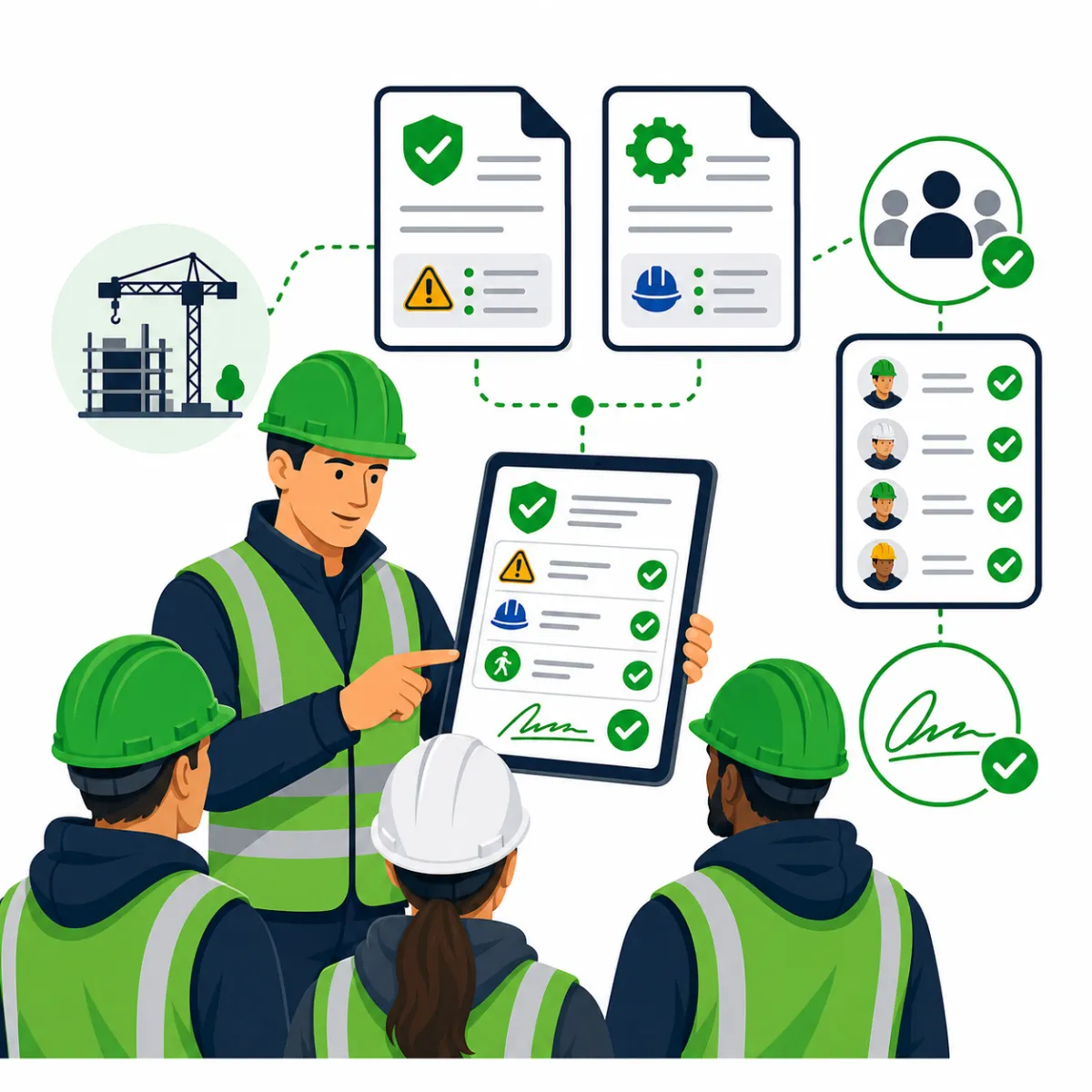
Permit Briefings
Connect permits and task controls to the workers carrying out the activity.
Paperless supports these briefing types through a consistent attendance and evidence workflow.
Everything needed to control site briefings
👷 Digital Attendance
Connect briefing records directly to workers and project teams.
✍️ Acknowledgements and Sign-Offs
Record who received and acknowledged the briefing.
📎 Document Attachments
Keep RAMS, plans, permits, photographs and supporting documents together.
🔄 Version Control
Help site teams identify the document or revision that was issued.
🕘 Briefing History
Retrieve records by project, worker, activity or date.
📸 Photos and Notes
Add supporting site evidence and briefing notes where required.
✅ Completion Visibility
Allow managers to identify missing records without chasing paper sheets.
📊 Centralised Reporting
Give office teams visibility across projects and site teams.
From document issue to audit-ready evidence
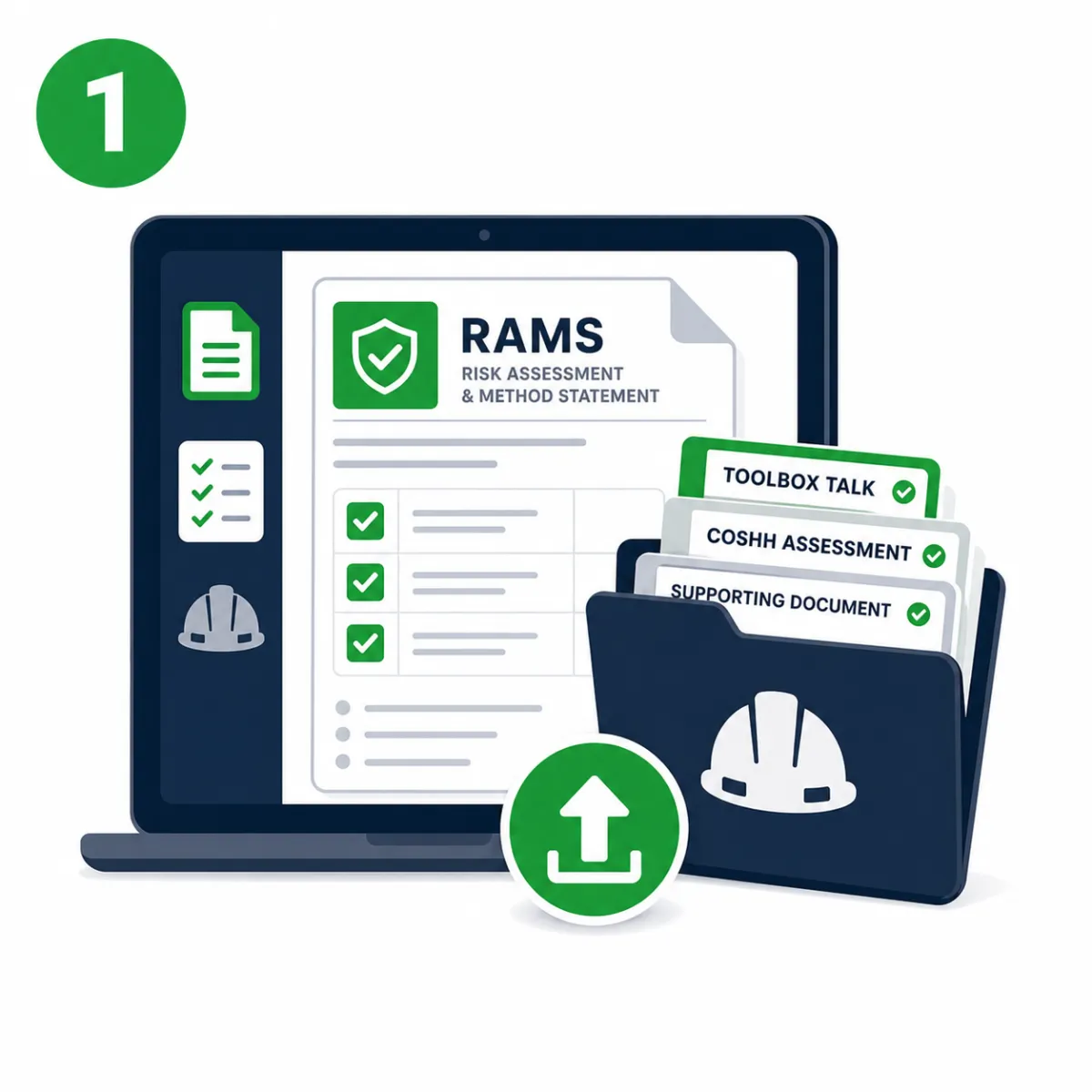
1. Upload or select the document
Add the relevant RAMS, toolbox talk, COSHH information or supporting document.
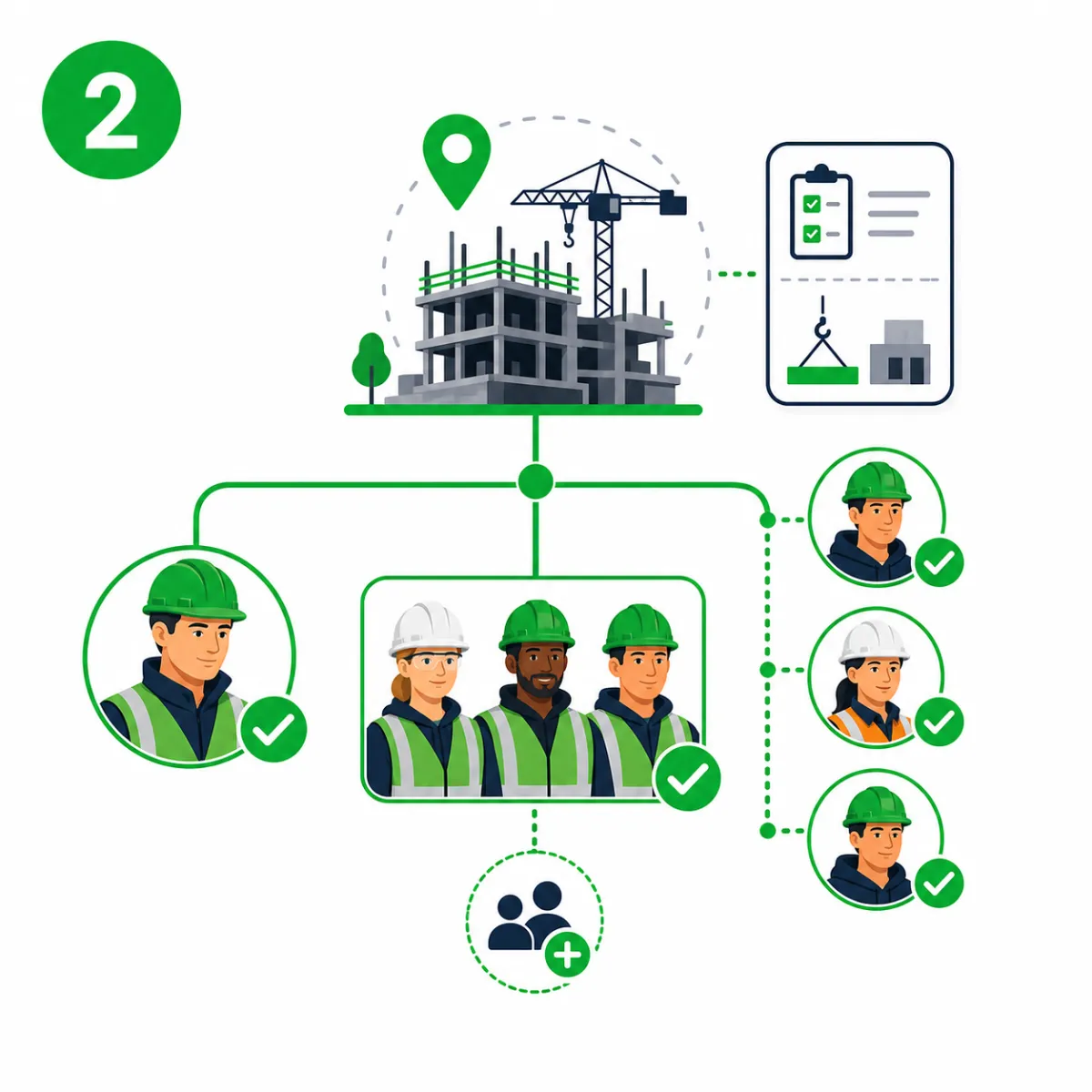
2. Assign the project and workforce
Select the site, activity, team, gang or individual workers who need the briefing.

3. Deliver the briefing
Supervisors present the information and discuss the controls with the workforce.
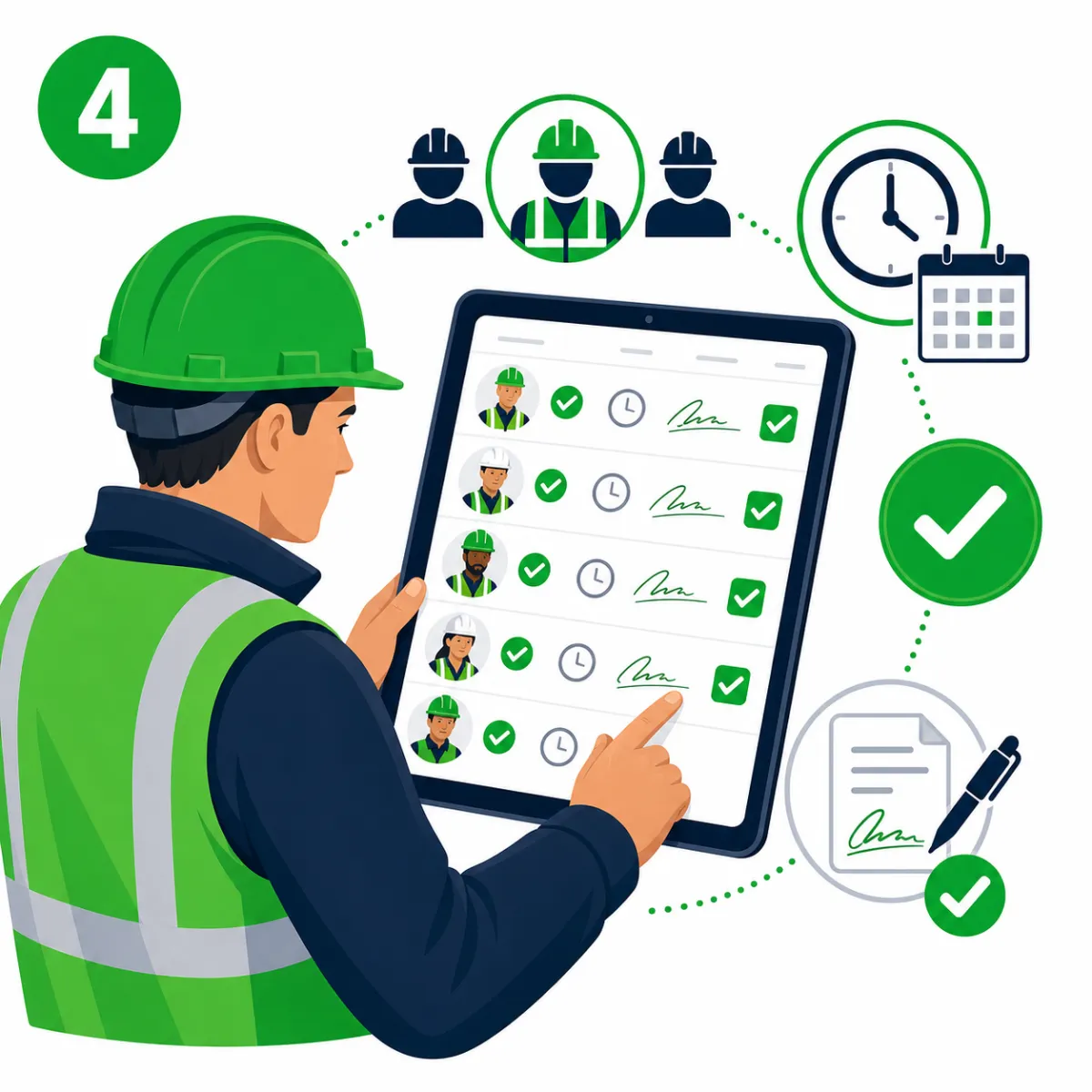
4. Capture attendance and sign-off
Record who attended, when they were briefed and whether they acknowledged the information.
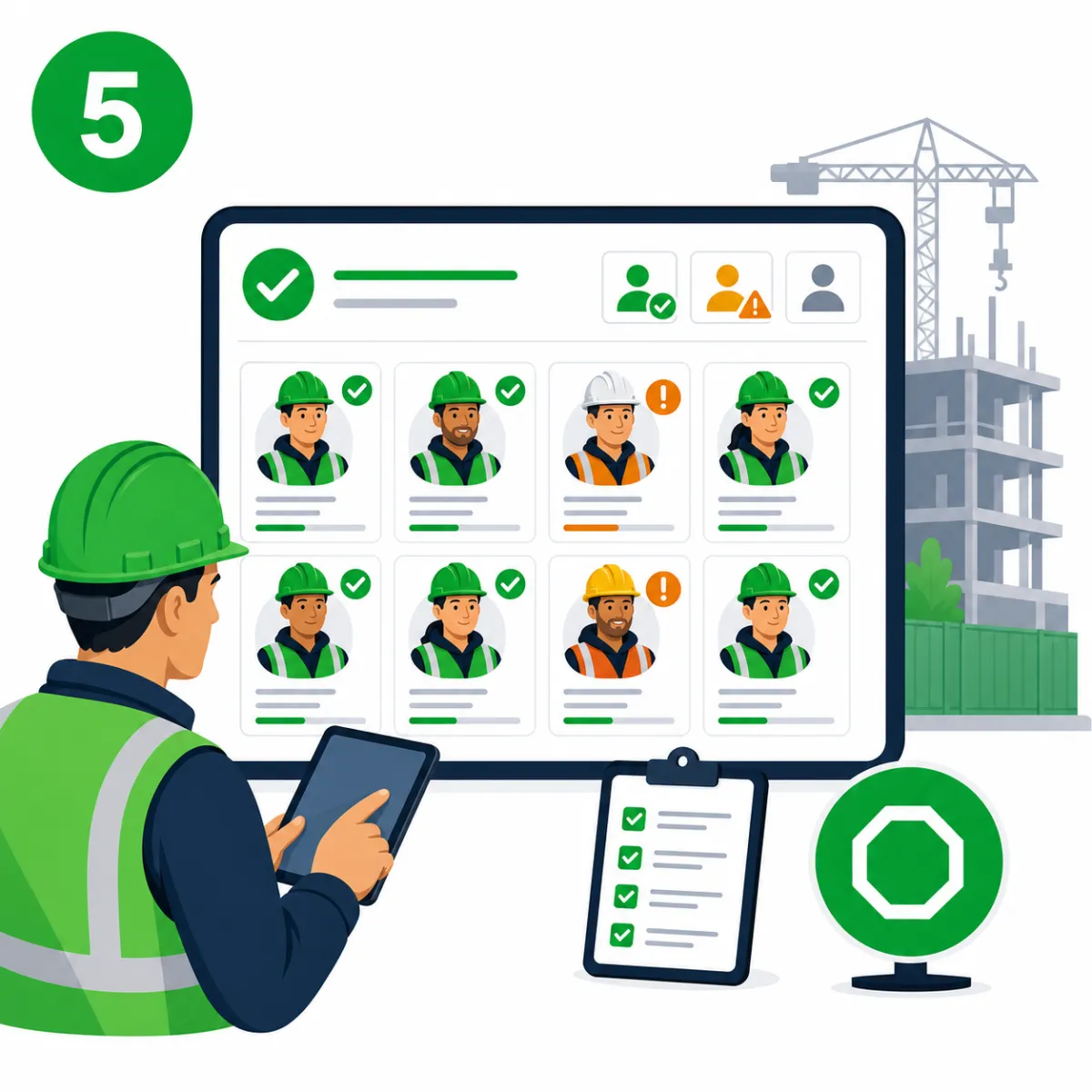
5. Identify missing briefings
Check which workers still require the briefing before they begin the activity.
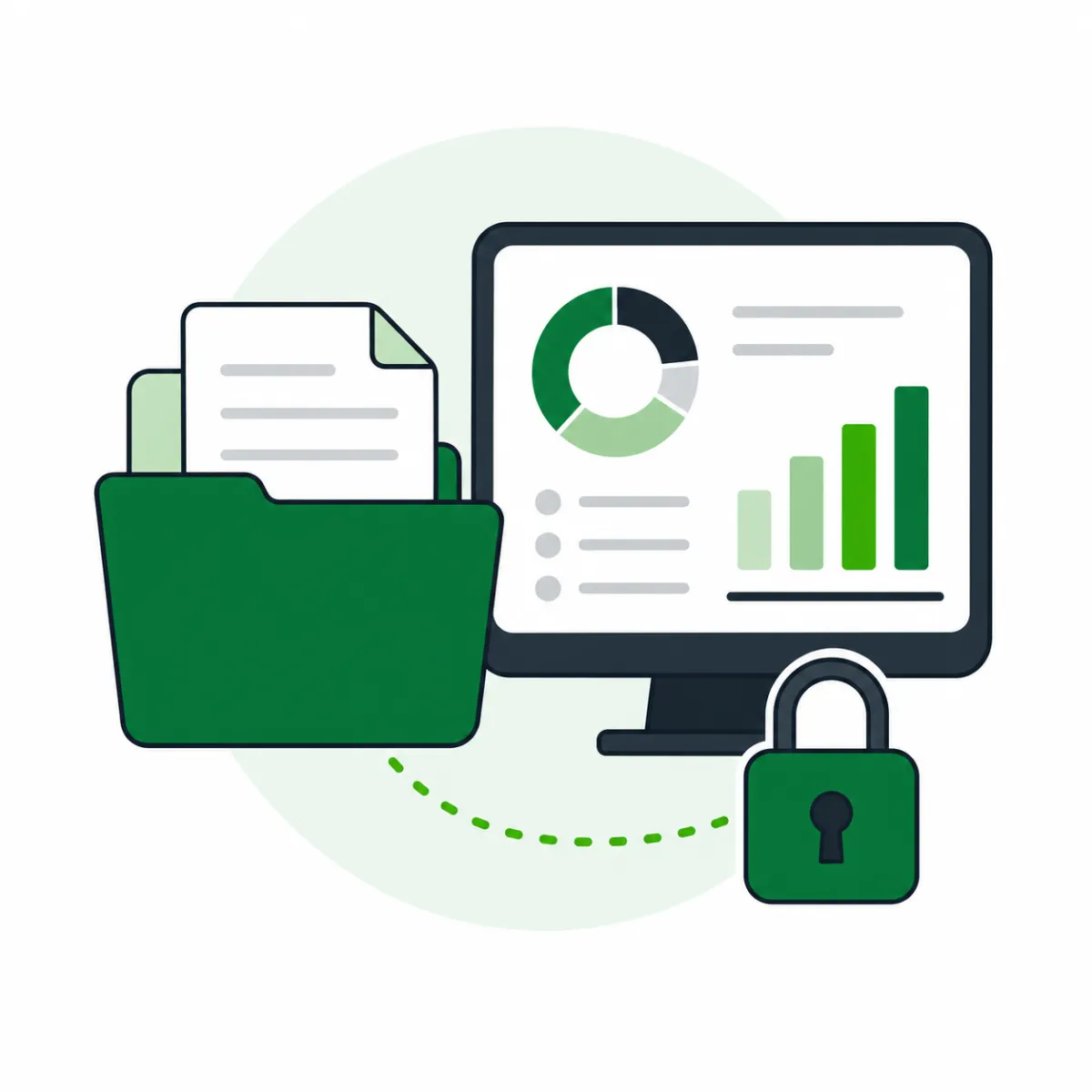
6. Retrieve the evidence
Find briefing records for audits, investigations, client reporting and internal reviews.
Replace fragmented briefing records
| Traditional Process | Paperless |
|---|---|
| Printed RAMS folders | Digital project records |
| Paper attendance sheets | Connected attendance records |
| Unclear document versions | Briefing tied to the issued document |
| Manual signature chasing | Visible completion status |
| Records stored across sites | Central project history |
| Slow audit preparation | Searchable briefing evidence |
Built for the people responsible for site safety
HSEQ Teams
Monitor briefing records, RAMS acknowledgements and missing evidence across projects.

Site Managers
Check whether workers have received the required information before work starts.

Supervisors and Foremen
Deliver toolbox talks and daily briefings directly from site.

Project Managers
See briefing activity without waiting for attendance sheets to reach the office.

Business Owners
Reduce administrative risk and improve visibility across teams and projects.
Better briefings. Clearer evidence. Less administration.
Paperless helps your teams:
✅ Deliver briefings consistently across projects
✅ Reduce missing attendance and sign-off records
✅ Keep RAMS connected to the people carrying out the work
✅ Identify workers who still require a briefing
✅ Retrieve records quickly during audits or investigations
✅ Reduce dependence on paper folders and spreadsheets
See how Paperless manages safety briefings from site to office
Book a live demonstration and see how your team can issue RAMS, deliver toolbox talks, record attendance and retrieve briefing evidence from one connected platform.
Trusted across construction sectors
Paperless supports contractors working across civils, rail, fit-out, utilities, renewables, maintenance and specialist trades.
3,200+
UK projects onboarded
7M+
digital briefings completed
92%
of teams report smoother audits






FAQ
Can Paperless manage RAMS briefings?
Yes. Upload or select the relevant risk assessment and method statement, assign it to the appropriate project or workforce, deliver the briefing and retain the attendance and acknowledgement records together.
Can workers digitally acknowledge a briefing?
Yes. Workers can be connected to the briefing record so you can capture who attended and when they acknowledged the information. This creates clearer evidence than relying on separate paper signature sheets.
Can we see which workers have not completed a briefing?
Yes. Supervisors and managers can identify missing attendance or acknowledgements and arrange for those workers to be briefed before starting the relevant activity.
Can toolbox talks be delivered from a tablet or phone?
Yes. Supervisors can deliver toolbox talks digitally from site and record attendance against the relevant workers, project and date.
Can supporting documents and photographs be attached?
Yes. Briefing records can include supporting information such as RAMS, drawings, permits, safety data, annotated documents, photographs and site evidence.
Can briefing records be retrieved by worker or project?
Yes. Records are stored digitally so teams can find the relevant briefing evidence without searching through site folders, spreadsheets or paper attendance sheets.
How are updated RAMS issued to site teams?
When RAMS are revised, the updated information can be issued through the briefing workflow. Teams can record acknowledgement of the relevant version and identify workers who still need to be re-briefed.
Can Paperless manage COSHH and daily activity briefings?
Yes. Paperless supports RAMS, COSHH briefings, toolbox talks, daily activity briefings, inductions, permits and other project-specific safety communications through a consistent digital workflow.
Can supervisors use Paperless where site connectivity is limited?
Yes. Paperless supports mobile site workflows where connectivity may be limited, with information synchronised when a suitable connection becomes available. The exact offline workflow should be confirmed during your demonstration for the devices and modules you intend to use.
Can briefing records be exported for clients or audits?
Yes. Briefing and attendance information can be retrieved for client requests, audits, investigations, claims, handovers and internal reviews. Available reporting and export options depend on your selected package and configuration.